 Expense Book
Receipt scanner · Free on iPhone and Android
An expense tracker with a receipt scanner built in
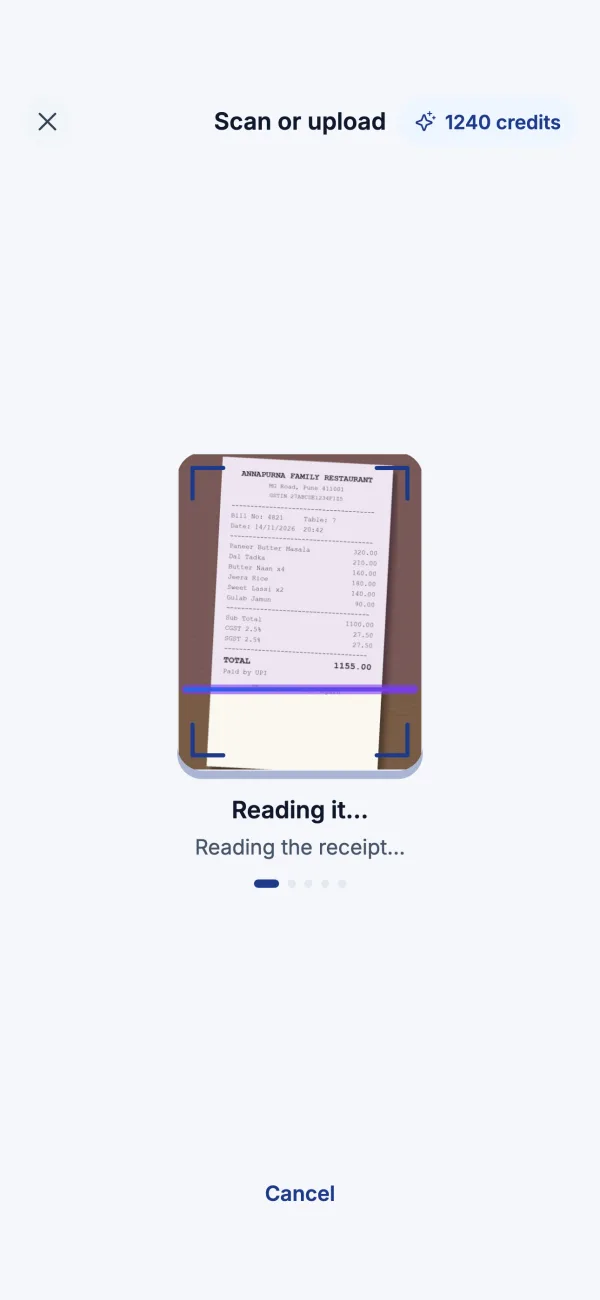
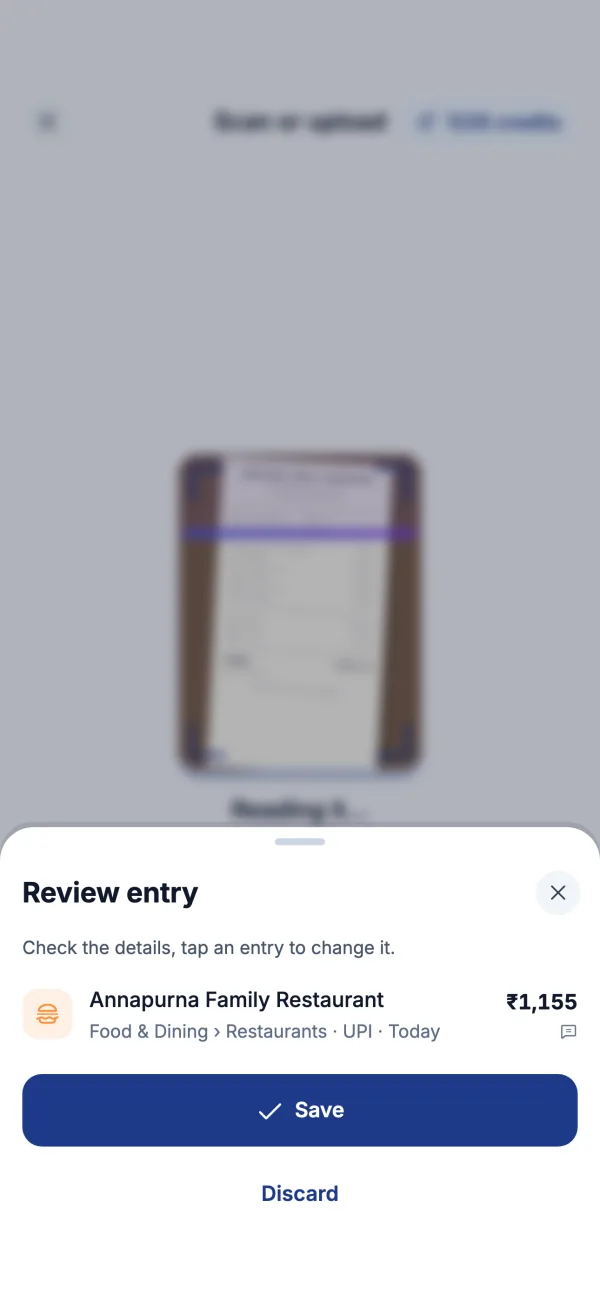
Snap a bill or pick a PDF receipt. Expense Book reads it with AI and fills in the total, date, shop and category for you. The receipt stays attached to the entry, so you can find it again at tax time.
How it works
- 1
Tap Scan or upload
Take a photo, pick one from your gallery, or choose a PDF bill.
- 2
AI reads it
Total, taxes, date, shop name and the best category — in a few seconds.
- 3
Save
Check the entry, change anything, and save it with the receipt attached.
What you get
- Paper receipts, restaurant bills, invoices and PDF bills
- Picks the total (with GST and tips), not a line item
- Suggests the category and payment method
- Keeps the receipt photo or PDF on the entry
Questions
Can it scan PDF bills?
Yes. Choose a PDF from Files. A one-page PDF is read as a bill; a longer or password-protected PDF is treated as a bank statement.
Does it keep a copy of my receipt?
The receipt is attached to the entry on your phone. What is sent to the AI, and whether it may be used to improve the service, is shown before first use and can be changed in Settings.
Is it free?
Yes. Expense Book is free and includes free AI credits every month. You can earn more by inviting friends, or get more with the Pro, Plus or Max plans or a one-time credit pack.
What happens to my data?
Your entries stay on your phone unless you turn on cloud sync. Before you use AI the first time, the app shows what is sent and to which AI provider, and you can change this any time in Settings.